 Building & Running GenOS
Want to try GenOS? Get the source and follow the notes below. This is Experimental / ALPHA software, still under heavy development. Use it only in a controlled QEMU VM, at your own risk. It is not for production; keep important data and secrets out of the guest. Please read the known limitations first.
New to the terms? Our small glossary explains UEFI, QEMU, VirtIO and the other short names.
1. What you will need
- Rust 1.97.0, pinned by the repository’s
rust-toolchain.toml, withclippyandrustfmt. - Rust targets
x86_64-unknown-uefiandx86_64-unknown-none. - QEMU 8.2 or newer with EDK2/OVMF firmware for developer runs. For the exact reference checks, use the versions listed below.
- Python 3.12 or newer for the CPU and boot test tools, plus
mtools.
Here are the package examples from the README:
# macOS with Homebrew
brew install qemu mtools

# Ubuntu / Debian
sudo apt-get install qemu-system-x86 ovmf mtools
Once Rust is installed, get the source and add the targets:
git clone https://github.com/ErzenXz/GenOS.git
cd GenOS
rustup target add x86_64-unknown-uefi x86_64-unknown-none2. Build it and give it a try
Run these commands from your GenOS source directory.
The Makefile provides equivalent make targets.
# Development image: build/genos.img (normal startup)
cargo xtask build

# Build and boot the optimized normal image in QEMU
cargo xtask run

# Workspace tests, image rebuild and QEMU smoke suite
cargo xtask test
A normal boot brings you to the serial shell prompt, genos>.
Try help, uname, ls or net.
Normal startup does not run the development test suites.
NORMAL_SHELL_READY marks a live input wait;
GENOS_READY alone does not prove an interactive shell.
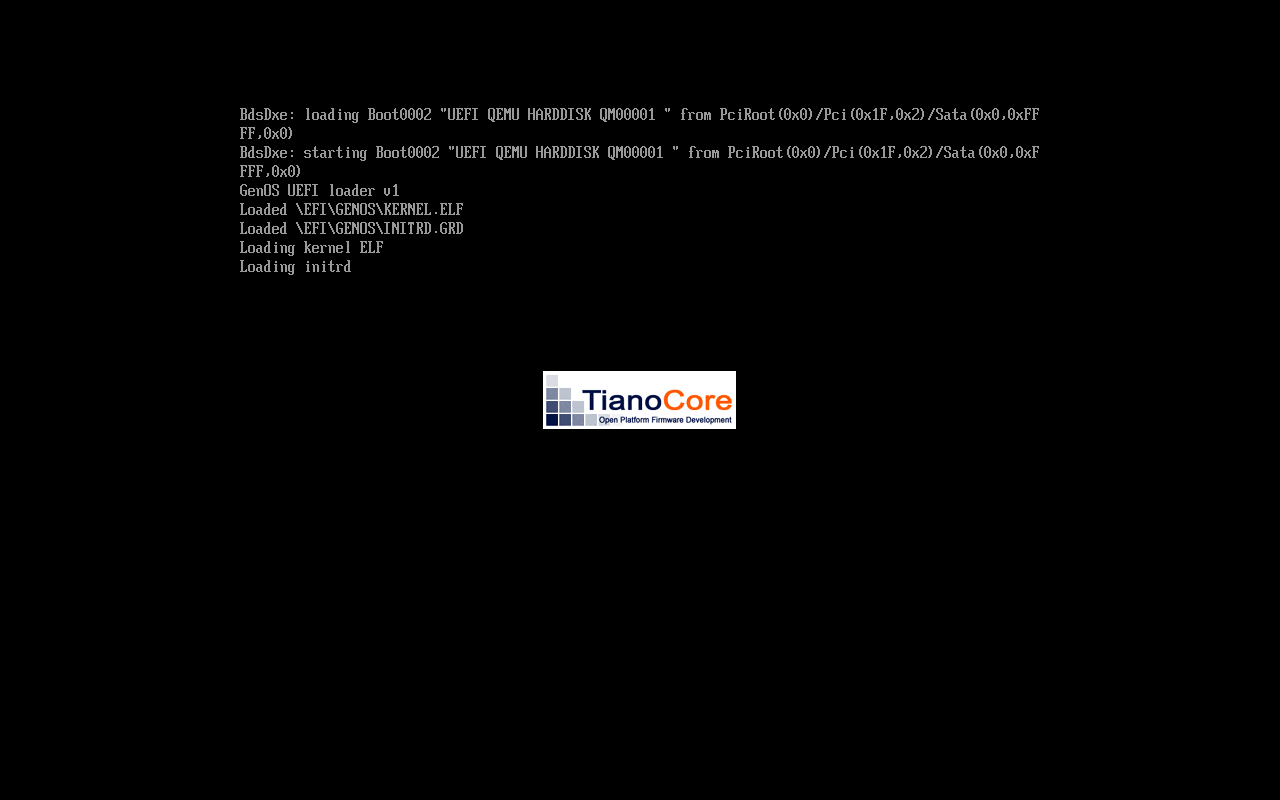
To stop QEMU, press Control+A, release both, then press x. This stops the host emulator. It does not shut down the guest or guarantee that data has been saved. See the terminal guide.
# Explicit development validation image
cargo xtask build-test

# Optimized image with normal startup
cargo xtask build-release

# Interactive normal debug/no-NIC and release/network acceptance
cargo xtask test-release

# Remove generated artifacts
cargo xtask clean
Boot modes explain the distinction between normal and validation images. A passing test tells us about the cases and configuration it checked.
3. Trying the reference VM
We use genos-q35-tcg-v4 as our candidate reference environment.
The reference VM notes give the full details.
We have not qualified it as a stable release. These settings replace the README’s
older QEMU 11.1.1 reference pin.
| Compiler | Rust 1.97.0 |
|---|---|
| QEMU | 11.1.2 |
| Machine | pc-q35-8.2 |
| CPU | qemu64-v1,smep=on,smap=on |
| Execution | TCG (software CPU emulation), one emulation thread; one socket/core/thread |
| Memory | 512 MiB |
| Firmware | EDK2/OVMF with the exact SHA-256 below |
| Disks | Snapshot-backed raw IDE boot disk; separate raw 8 MiB IDE data disk |
| Console | Serial; acceptance runs have no graphical display or QEMU monitor |
| Network | Normal debug: no network card (NIC). Normal release: modern VirtIO PCI, MAC 52:54:00:12:34:56, QEMU user networking with explicit IPv4 and IPv6. |
Reference firmware SHA-256:
33090cc07675baa5190d9f1e84bf5176b33bcbfa9bacac522961150cdb6dbb2aWe do not include the firmware binary in the repository. Get the matching firmware from a trusted QEMU package or source and keep a note of where it came from. Check the file itself against the hash above; the filename alone is not enough. If necessary, set the firmware location:
export GENOS_OVMF_CODE=/path/to/firmware.fd

# Check exact Rust, QEMU and firmware identities; does not boot
cargo xtask reference-check

# Requires matching environment and a clean committed GenOS tree
cargo xtask test-reference
test-reference runs normal debug/no-NIC and release/network
acceptance and checks source cleanliness. We still need the full repeated-boot, storage/network/CPU fault, sustained-workload
and independent reproduction checks.
The full profile also specifies device placement,
network addresses, excluded capabilities and the profile upgrade process.